The Best IPTV Boxes in 2026 – Complete Streaming Guide
About 12 min read
Picking the right IPTV streaming device can mean the difference between silky 4K football nights and endless buffering. This guide cuts through the noise so you can choose hardware that matches your home network, your apps, and how you actually watch TV in 2026.
An IPTV streaming device is a compact computer that turns any HDMI display into a smart screen for internet-delivered television. The best IPTV boxes 2026 buyers ask about combine responsive processors, modern Wi‑Fi or Ethernet, and app ecosystems that support the players your provider recommends.
In 2026, demand keeps climbing because households want cable-style channel bundles without cable-style contracts—and hardware finally catches up at every price point. From sticks that hide behind the TV to flagship Android TV IPTV box designs with AI upscaling, you can match performance to your budget without sacrificing 4K HDR where your panel supports it.
Benefits stack quickly: access to large live and on-demand libraries, flexible app installs, voice remotes on many SKUs, and the freedom to move your box between rooms. Pair solid hardware with a reputable subscription and your living room behaves like a personalised broadcast centre—minus the clunky set-top lease of years past.
What is an IPTV box?
In plain terms, an IPTV box is hardware that decodes internet television streams and outputs them to your TV—often with a remote tuned for channel lists, guides, and app switching. Unlike a bare casting stick, many models optimise for always-on playback, wired networking, and storage expansion when you record or cache content.
- Connects via HDMI and handles HD, 4K, and HDR where the chipset and TV align.
- Runs Android TV, Fire OS, Linux STB builds, or vendor-specific stacks depending on the model.
- Works with IPTV apps or portal logins supplied by your provider—your subscription supplies the channels; the box supplies the performance.
- Pairs well with soundbars and receivers; look for passthrough flags if you route audio externally.
Top IPTV boxes in 2026
Below we compare six standout options—each section stands alone so you can skim to the form factor that fits. Images sit after every review block to mirror a long-form editorial layout and keep the page scannable on mobile.
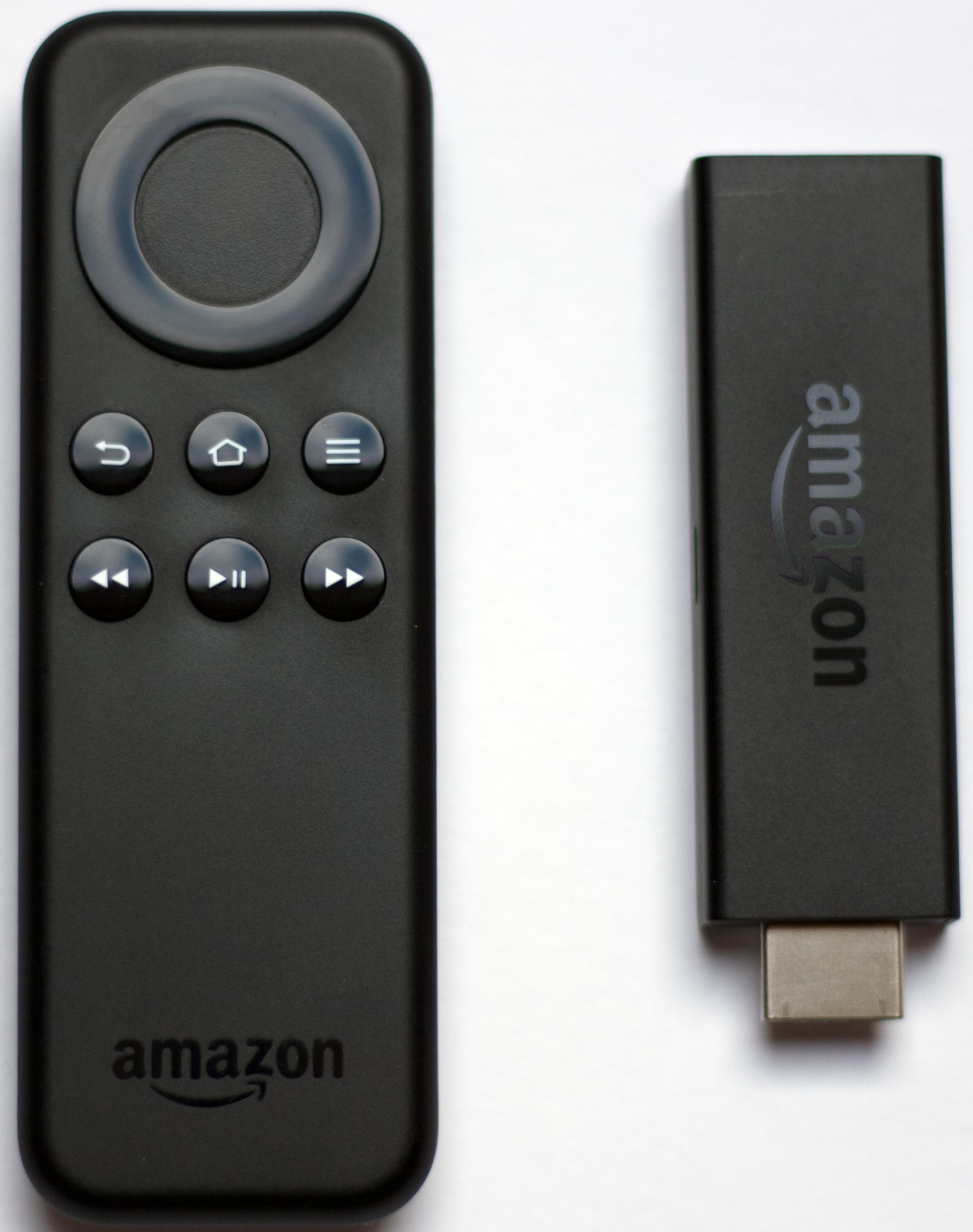
Amazon Fire TV Stick 4K
The Fire TV Stick 4K remains one of the easiest entry points into IPTV-style streaming. It hides behind your TV, supports HDR10+ where available, and pairs with Alexa for hands-free control—ideal if you want a compact IPTV streaming device without rebuilding your entertainment centre.
Features
- 4K Ultra HD with HDR10+ and Dolby Vision support (content and display dependent)
- Wi‑Fi 6 on newer variants for steadier throughput in busy homes
- Fire OS with broad app coverage and sideload paths for third-party players
- Voice remote with preset app shortcuts
Pros
- Low upfront cost and widely available
- Huge app ecosystem plus mature remote experience
- Strong choice for bedroom or secondary TVs
Cons
- Amazon-first interface may feel busy if you prefer stock Android TV
- Heavy skins can push storage limits on base models
Best for: Viewers who want an affordable, plug-and-play IPTV streaming device with minimal setup friction.
Nvidia Shield TV Pro
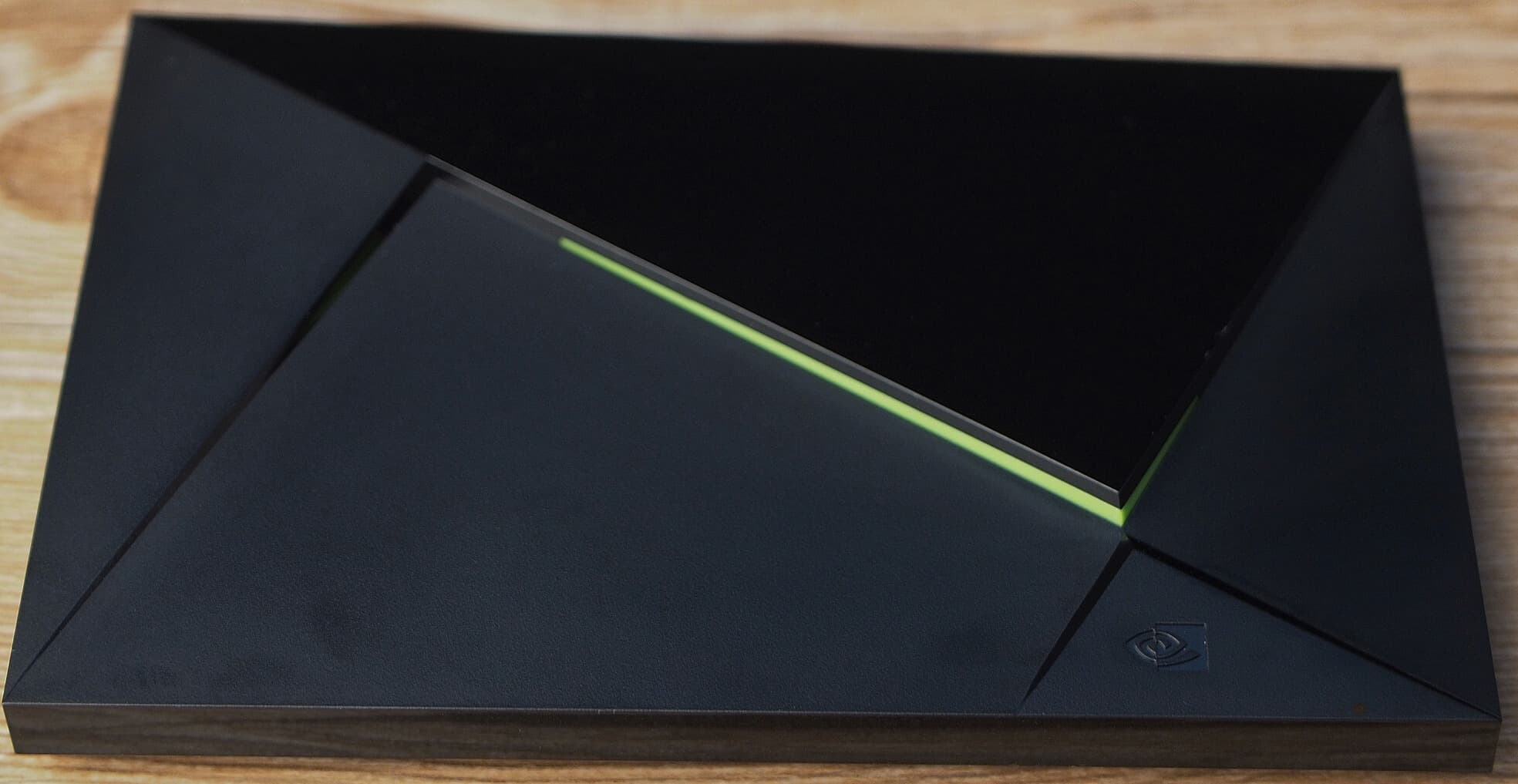
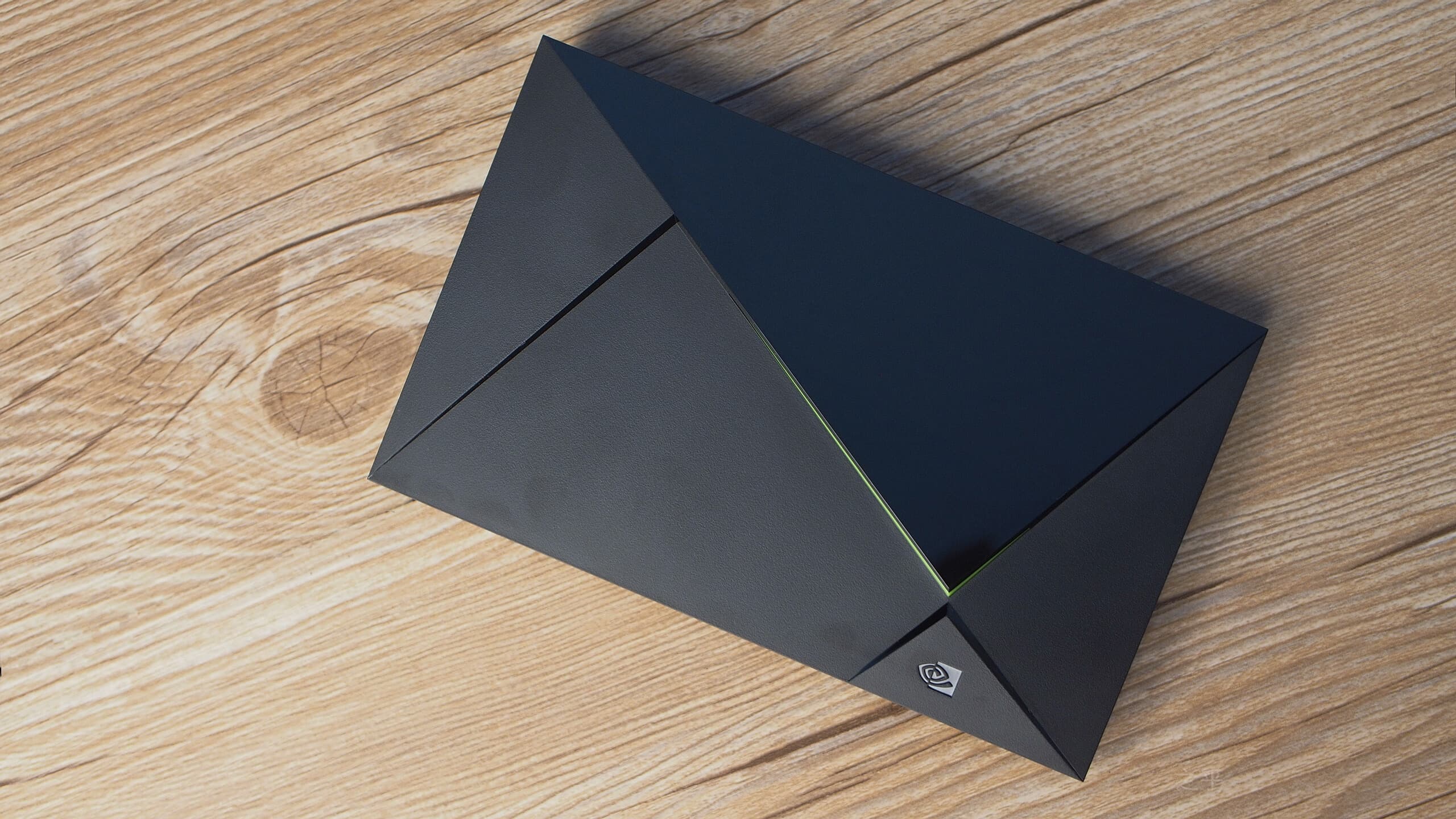
The Shield TV Pro is the performance ceiling for many Android TV IPTV box setups. With robust AI upscaling, generous connectivity, and enough headroom for Plex or game streaming, it keeps navigation snappy even when playlists and EPG data grow large.
Features
- Tegra-class SoC tuned for sustained media workloads
- AI upscaling for HD sources on compatible displays
- USB ports for DVR storage or peripherals
- Dolby Vision and Dolby Atmos passthrough where supported
Pros
- Class-leading speed and long software support cadence
- Excellent for mixed use: IPTV, local media, light gaming
- Ethernet onboard—critical for buffer-free 4K
Cons
- Premium price versus sticks and compact boxes
- Larger footprint than a typical dongle
Best for: Power users who want the fastest Android TV IPTV box experience and plan to keep the hardware for years.
Formuler Z11 Pro Max
Formuler hardware is purpose-built for operator-style IPTV experiences. MYTVOnline pairs tightly with portal workflows, while the remote feels tuned for channel surfing rather than app hopping—exactly what many live-TV-first households expect from a dedicated IPTV streaming device.
Features
- MYTVOnline ecosystem with polished STB-style navigation
- Strong codec support for live and VOD libraries
- Ethernet and Wi‑Fi options depending on SKU
- Regular firmware attention from the vendor line
Pros
- Interface optimised for live TV and EPG workflows
- Reliable choice when portal-based IPTV is the priority
- Hardware controls feel responsive during long sessions
Cons
- Less “general Android” flexibility than open Android TV boxes
- Premium tier pricing compared with mass-market sticks
Best for: Households that prioritise STB-style IPTV with a remote-first workflow and stable live playback.
BuzzTV X5
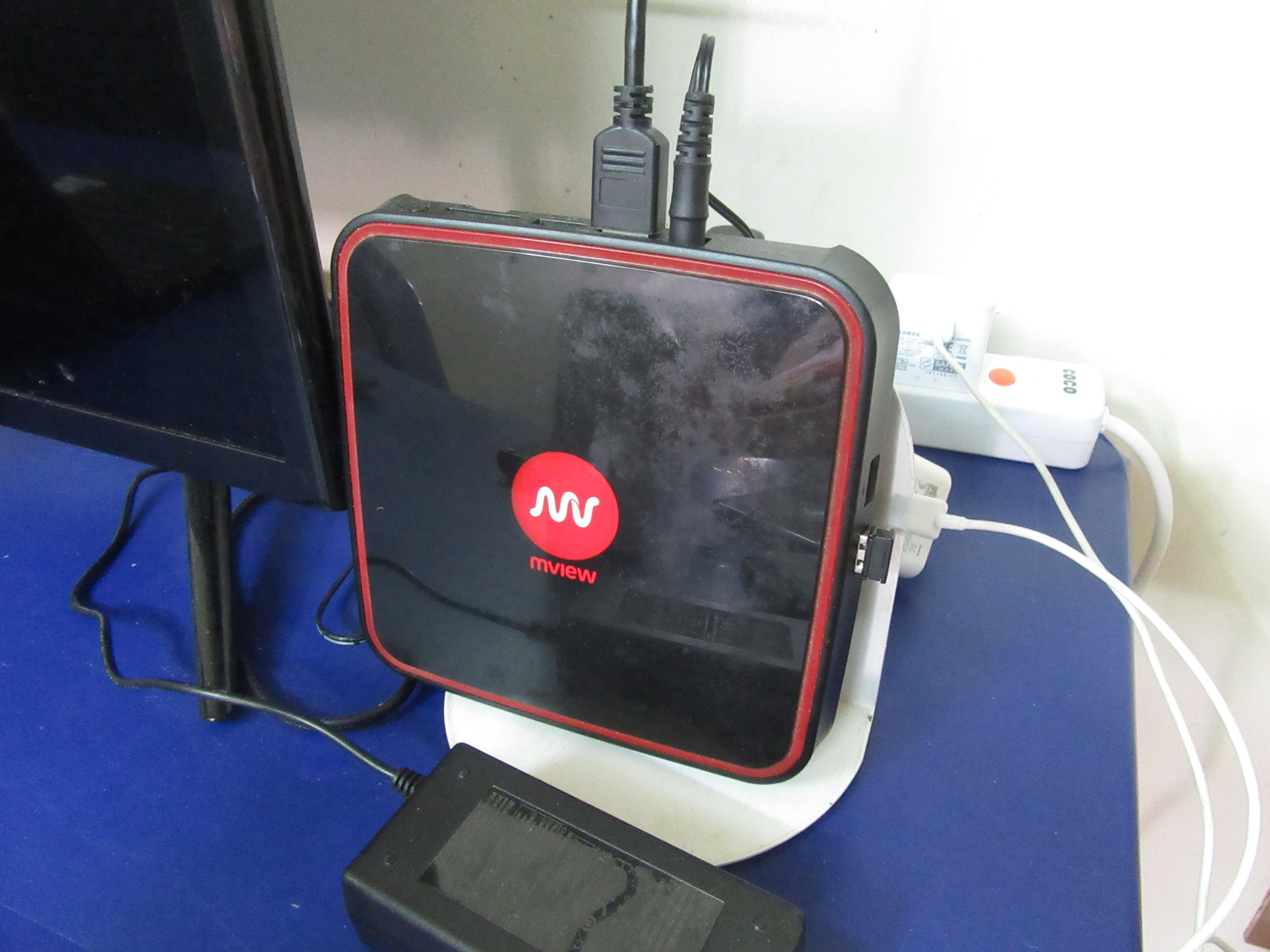
BuzzTV positions the X5 series as a balanced mid-tier Android TV IPTV box—enough performance for demanding IPTV apps, flexible storage expansion, and a remote layout that mirrors what enthusiasts expect from enthusiast-grade streaming hardware.
Features
- Android TV foundation with sideload-friendly posture
- Expandable storage options on many configurations
- Thermal design aimed at sustained playback sessions
- Broad Bluetooth remote compatibility
Pros
- Solid middle ground between budget sticks and flagship shields
- Community familiarity for IPTV app tuning
- Often strong codec coverage out of the box
Cons
- Brand awareness varies by region—check local warranty paths
- Software polish depends on image updates—verify before purchase
Best for: Users who want Android TV IPTV box flexibility without jumping straight to the highest price tier.
MAG Box
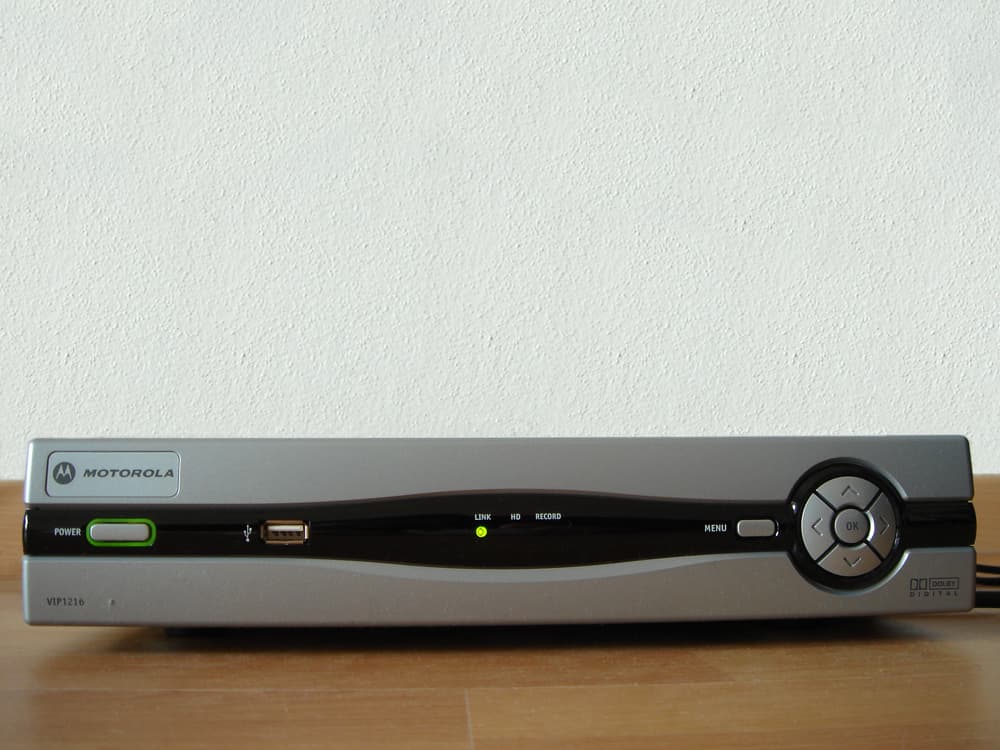
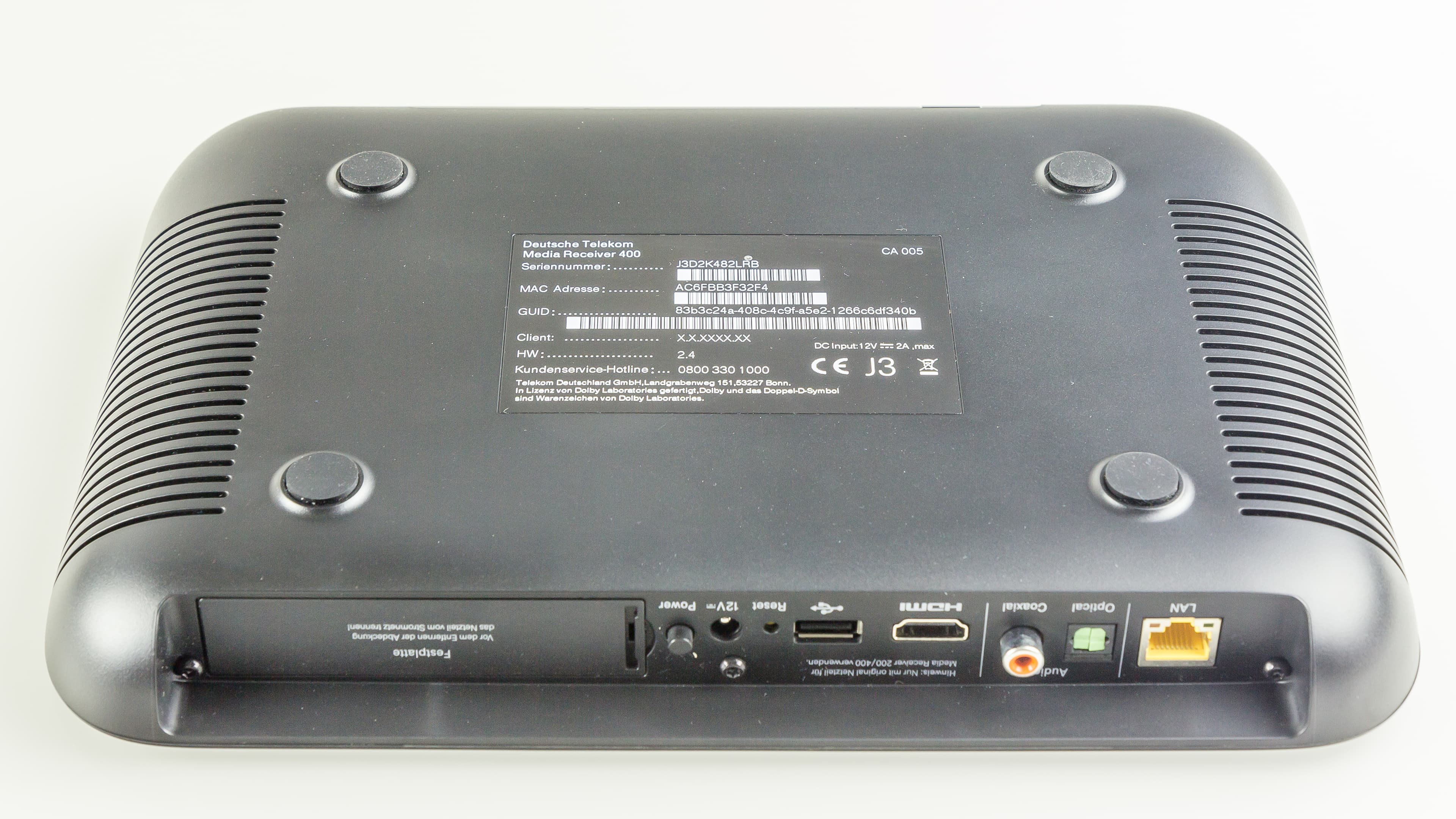
MAG boxes earned their reputation in STB-focused IPTV deployments. They are deliberately simple: lean OS paths, predictable remote mappings, and hardware tuned for long uptime—appealing when you want a single-purpose IPTV streaming device rather than a general app platform.
Features
- STB-optimised software stacks for portal workflows
- Low attack surface compared with full Android tablets
- Ethernet-first models common for wired stability
- Straightforward remote learning curve for non-technical viewers
Pros
- Predictable behaviour for portal-centric IPTV
- Often favoured in commercial or multi-room rollouts
- Minimal distractions if you only need live TV and VOD
Cons
- Less flexible for sideloading niche Android apps
- UI can feel dated next to modern Android TV skins
Best for: Installations where portal-style IPTV must “just work” with minimal app-store exploration.
Xiaomi Mi Box S
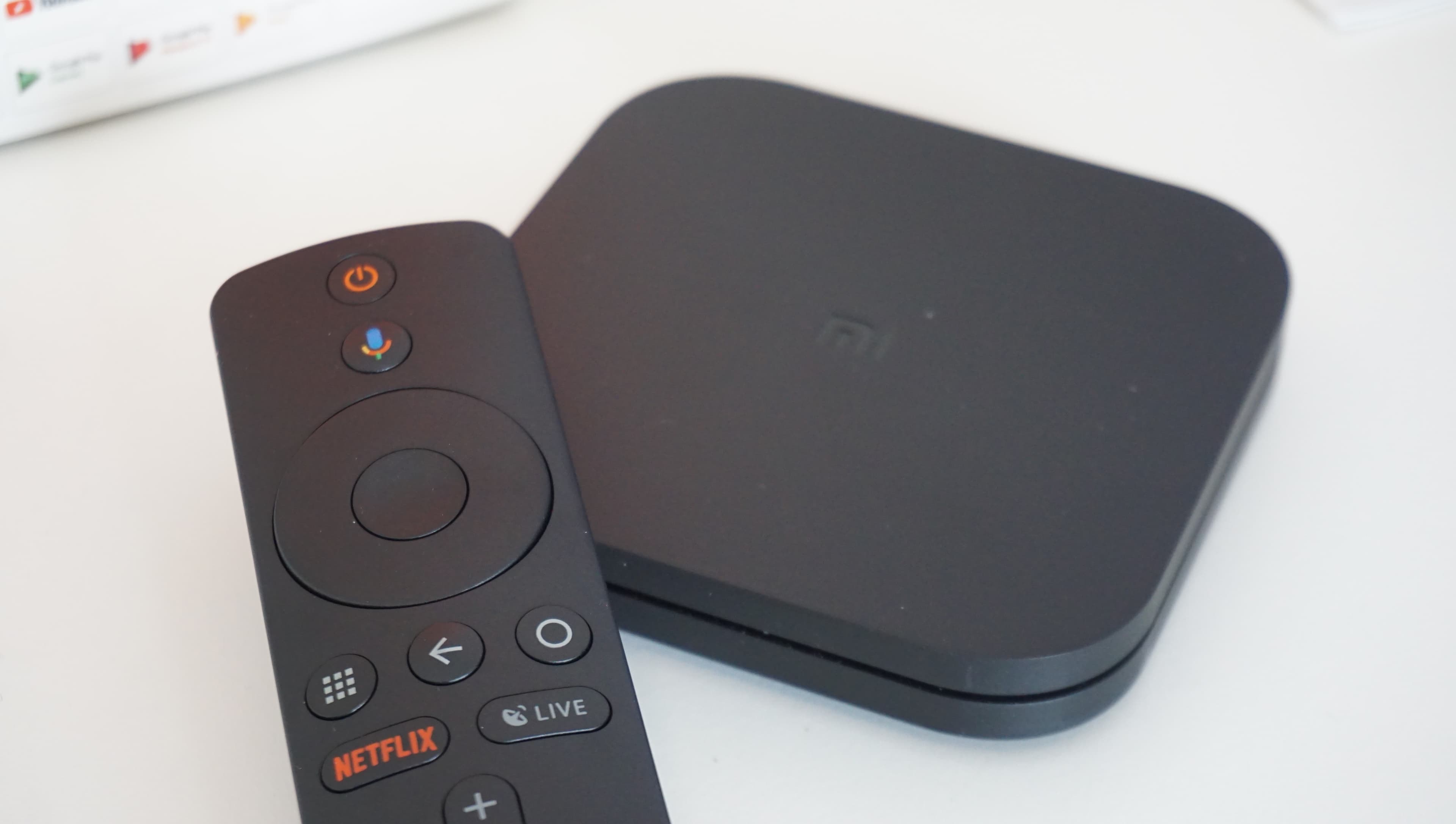
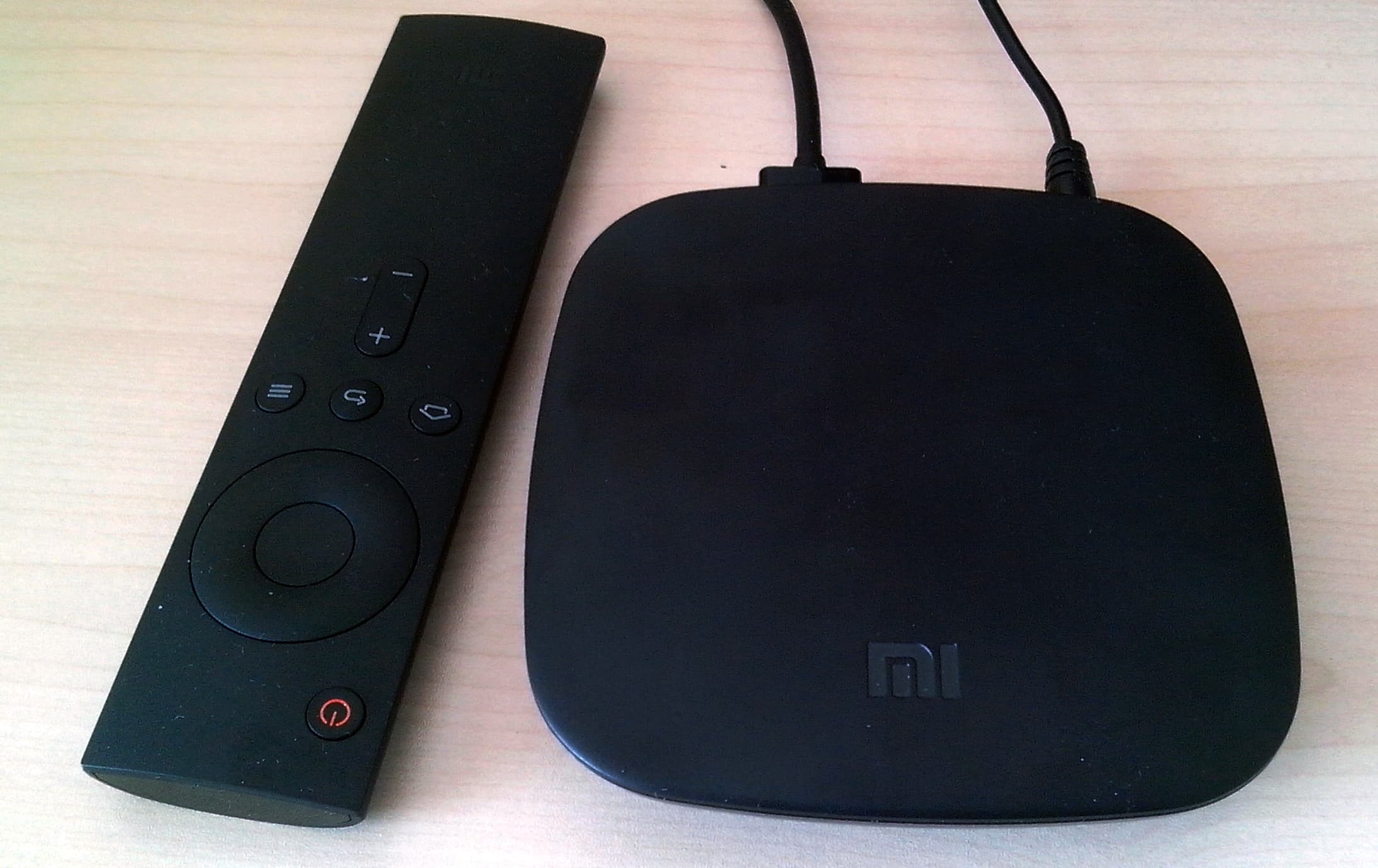
The Mi Box S (and refreshed variants) packages Android TV into a wallet-friendly footprint. For many international viewers, it is the quickest way to get Google Play, Chromecast built-in, and a credible Android TV IPTV box experience without importing exotic hardware.
Features
- Official Android TV with Play Store access
- Compact puck form factor for tight HDMI bays
- Chromecast built-in for casting from phones and laptops
- Voice remote on supported SKUs
Pros
- Strong value for casual IPTV and mainstream apps
- Easy onboarding for Android TV newcomers
- Travels well between TVs thanks to small size
Cons
- Not the fastest silicon—heavy skins may need tuning
- Storage can fill quickly if you install many apps
Best for: Budget-minded shoppers who still want legitimate Android TV IPTV box credentials and Play Store apps.
Cheap IPTV boxes
Budget does not have to mean unusable. In 2026, entry-level streamers from major brands still ship with 4K output, voice remotes on many bundles, and enough RAM for a single primary IPTV app plus a few companions. Where you save money, plan to stay disciplined: limit background apps, prefer 5 GHz Wi‑Fi or Ethernet adapters, and avoid stacking heavy skins on low-memory SKUs.
Watch for clearance on previous-generation sticks—they often deliver 90% of the experience at a fraction of launch price. Just confirm codec support for the codecs your provider uses and verify return policies when buying grey-market imports.
Premium IPTV boxes
Premium tiers buy you headroom: faster SoCs that keep UI animations smooth, extra RAM for fat EPG caches, AI upscaling on select devices, and connectivity like USB 3.0 or full-size Ethernet without dongle juggling. If you run Plex, large playlists, or multiple concurrent apps, stepping up pays off within weeks.
High-end picks also tend to receive security patches longer—worth factoring if you plan to keep hardware for half a decade. Match premium hardware with a subscription tier that actually delivers high-bitrate streams; otherwise you are optimising a chain that stops at the source.
IPTV box vs smart TV
Smart TVs are convenient, but app availability varies wildly by manufacturer and region. A dedicated IPTV streaming device standardises the experience: you get predictable updates, familiar remotes, and the freedom to replace the player without swapping an entire panel. TVs excel at image processing; external boxes excel at app agility—many enthusiasts pair a great display with a great box and keep both on separate upgrade cycles.
Travel and multi-room setups favour boxes too—unplug, move, reconnect. If your smart TV already runs the exact IPTV apps you need with flawless performance, you might defer a box; otherwise an Android TV IPTV box or STB-class device usually wins on flexibility.
How to choose the best IPTV box
- CPU and RAM: prioritise snappy navigation if you use large playlists; 2 GB RAM is a practical floor for busy Android TV workloads in 2026.
- Storage: more matters if you sideload multiple apps or cache VOD; microSD or USB expansion can help on supported models.
- App support: confirm your IPTV player exists for the OS (Android TV, Fire OS, Linux STB) before you buy.
- 4K and HDR: match box capabilities to your TV—Dolby Vision and HDR10+ support only matter if your content and display both participate end-to-end.
Frequently asked questions
- What is the best IPTV box in 2026?
- There is no single winner: the best IPTV boxes in 2026 depend on your budget, whether you need Android TV sideloading, and if you prefer portal-style STB hardware. Match CPU headroom, wired networking, and app support to how you actually watch—live sports, VOD, or both.
- Is IPTV legal?
- IPTV is a technology for delivering TV over the internet. Legality depends on the provider and the rights they hold for the content you access. Choose licensed services and follow local regulations; ScopMedia is positioned as a legitimate subscription path when you pair compliant hardware with authorised access.
- Do IPTV boxes need a subscription?
- The hardware is a one-time purchase, but premium channel line-ups typically require an active IPTV subscription from a provider. Your box is simply the playback endpoint—credentials and entitlements come from the service you choose.
- Which IPTV box is fastest?
- Flagship Android TV devices with strong SoCs, ample RAM, and Ethernet—such as premium Shield-class hardware—usually feel fastest for large playlists and heavy EPG. Thermal headroom and wired networking matter as much as raw GHz numbers for sustained 4K playback.
Start Your IPTV Experience Today
Pair the right box with a subscription built for stable streaming—explore plans and get started in minutes.